Features
The useful parts of a road trip, planned around the route.
OnTheWay focuses on stops: when you will need them, what is actually nearby, and which options match your preferences.
GasFoodHotelsStretch stopsCarPlayNo account
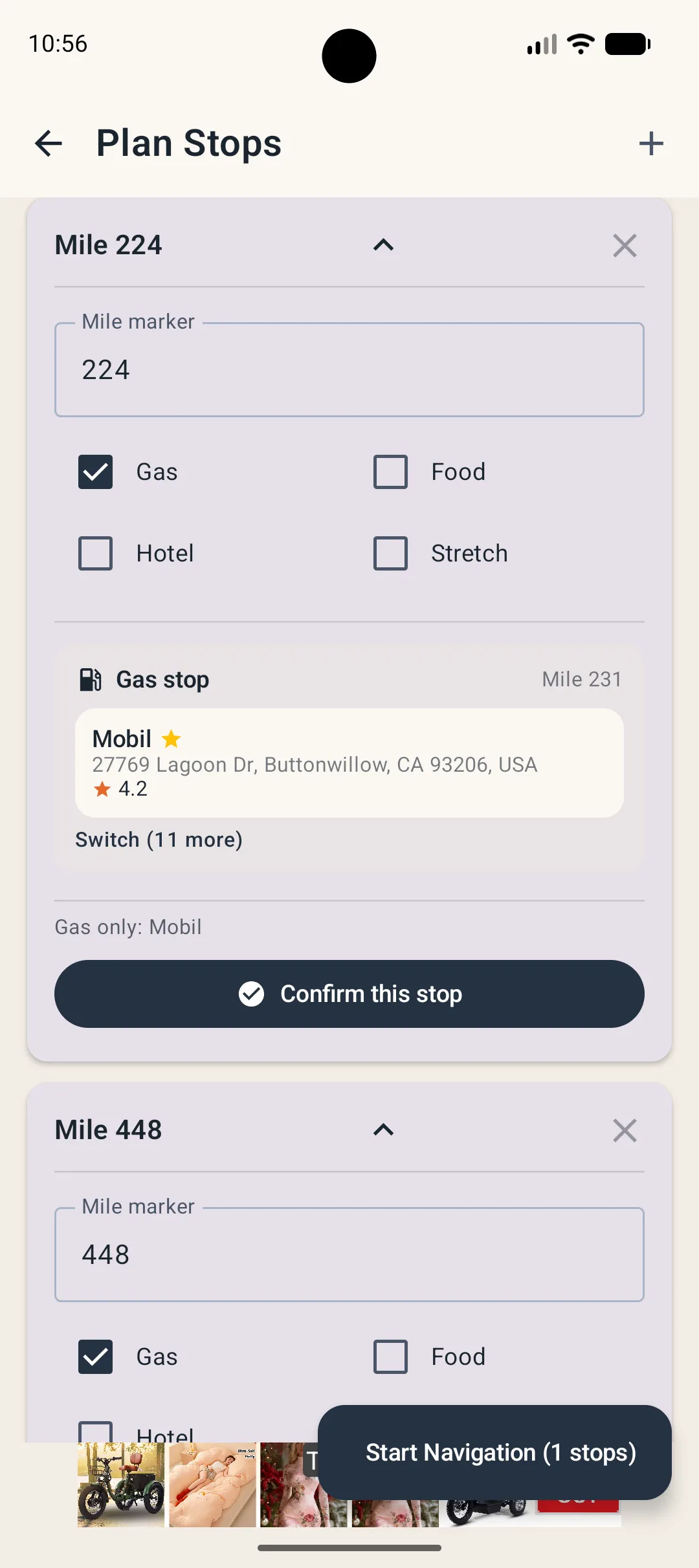
Fuel planning
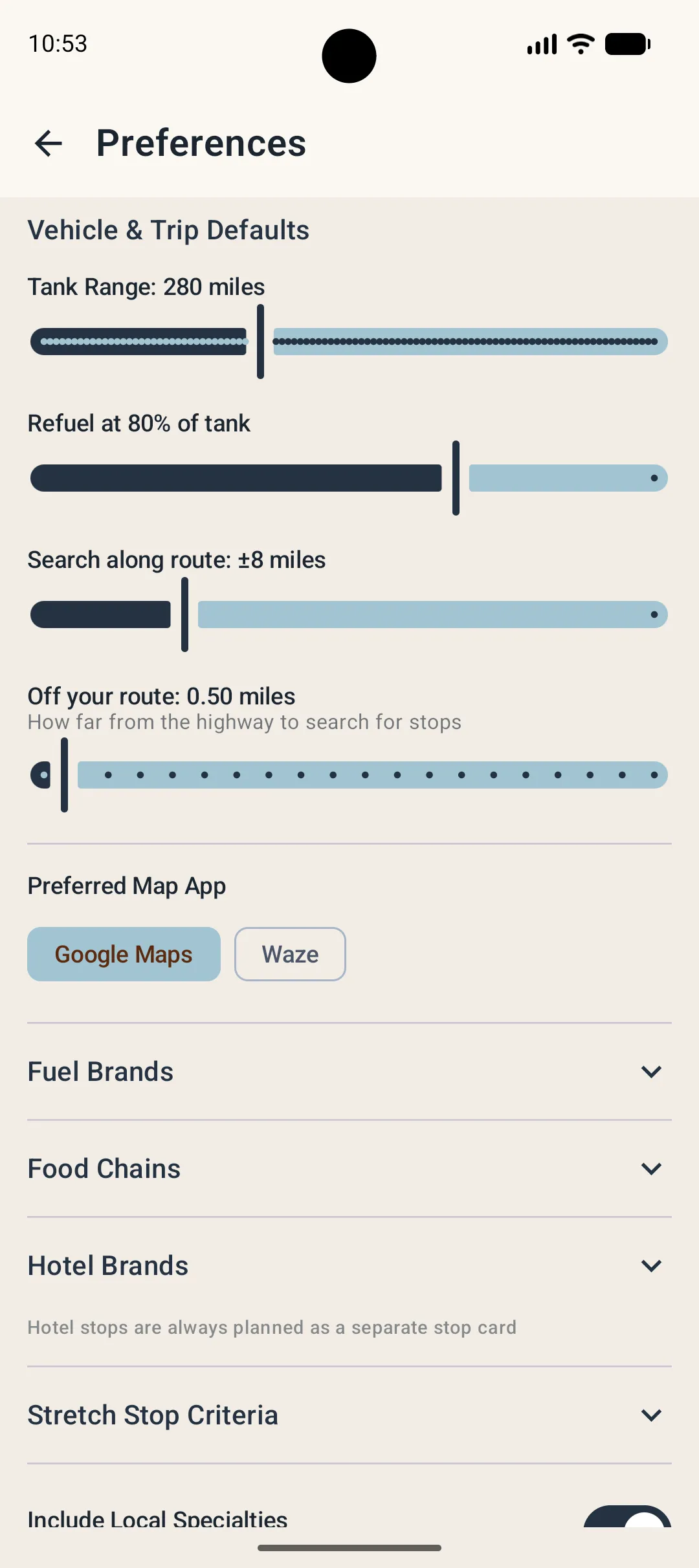
Use your range, not a generic guess.
Set an approximate tank range and the point where you prefer to refuel. OnTheWay uses those values to place fuel-stop targets along the trip.
Stop search
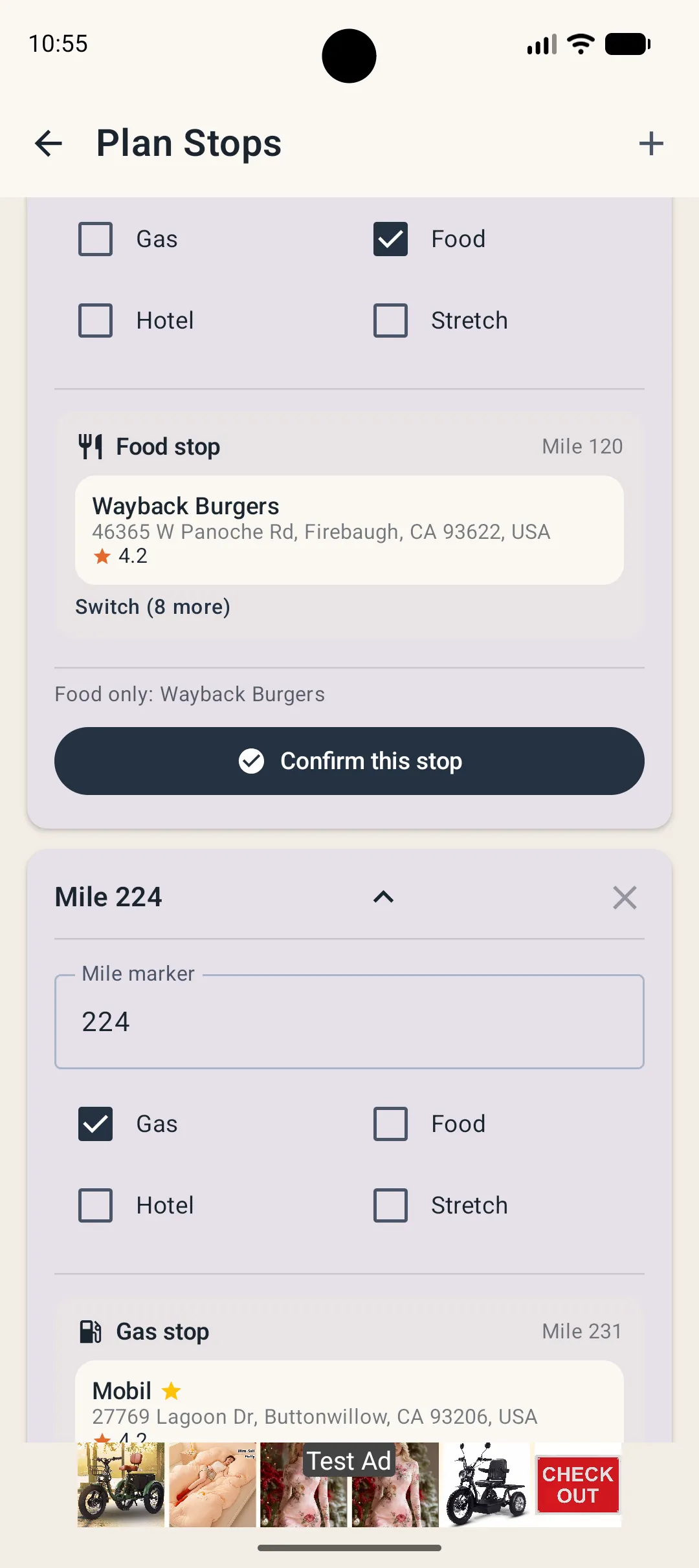
Gas, food, hotels and stretch stops on the same plan.
Choose the stop types you want at each point. Fine-tune how far off the route you are willing to go and how wide OnTheWay should search.
Brand preferences
Surface the places you actually want.
Preferred fuel, food and hotel brands can be ranked higher, with region-aware choices that are more relevant where you live or travel.

Navigation handoff
Keep the map app you already trust.
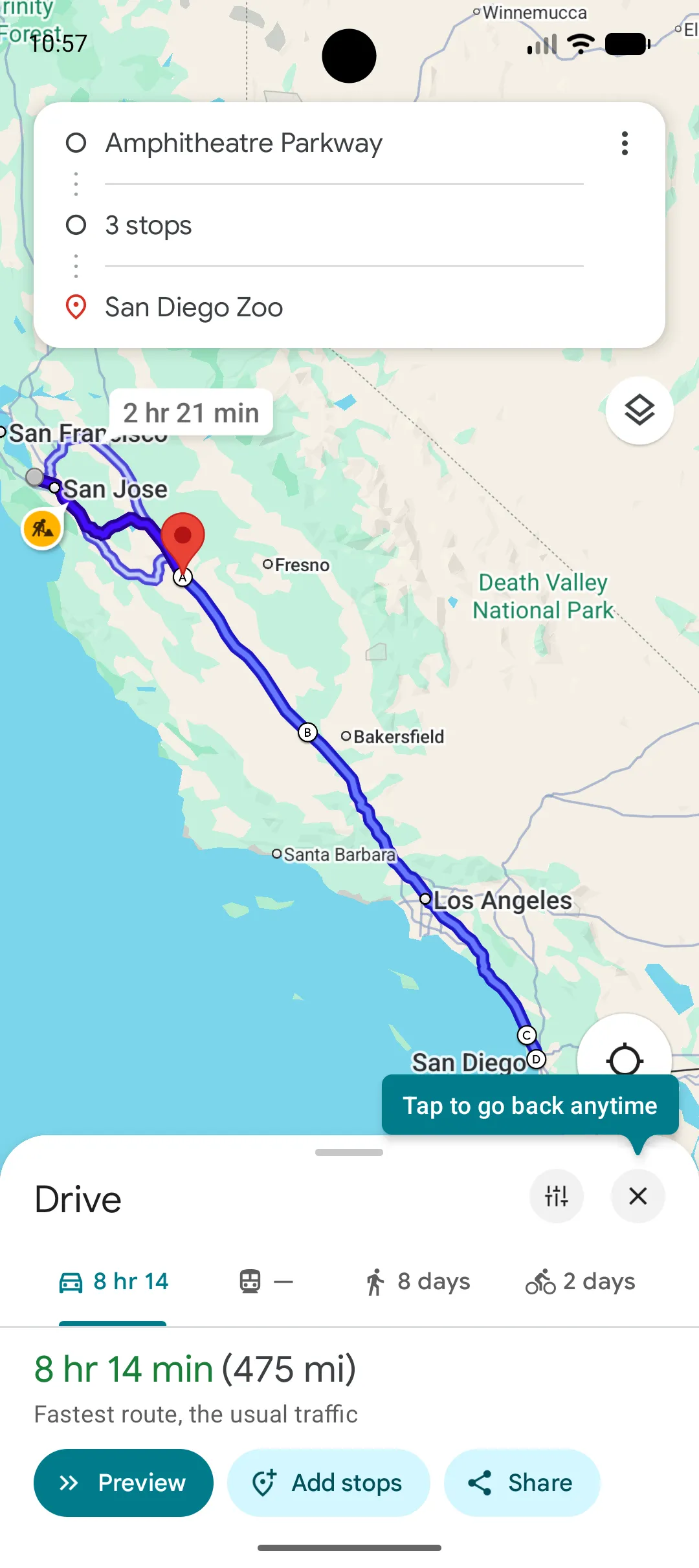
OnTheWay plans the stops, then hands the route to Google Maps, Apple Maps or Waze. On supported iPhones, CarPlay can show the next stop and let you mark it complete.
Free to use
No subscription. No paywall. Just better-planned stops.