
From driveway to destination, with the stops already thought through.
The app separates stop planning from turn-by-turn navigation: OnTheWay builds the stop plan; your preferred map app handles driving directions.
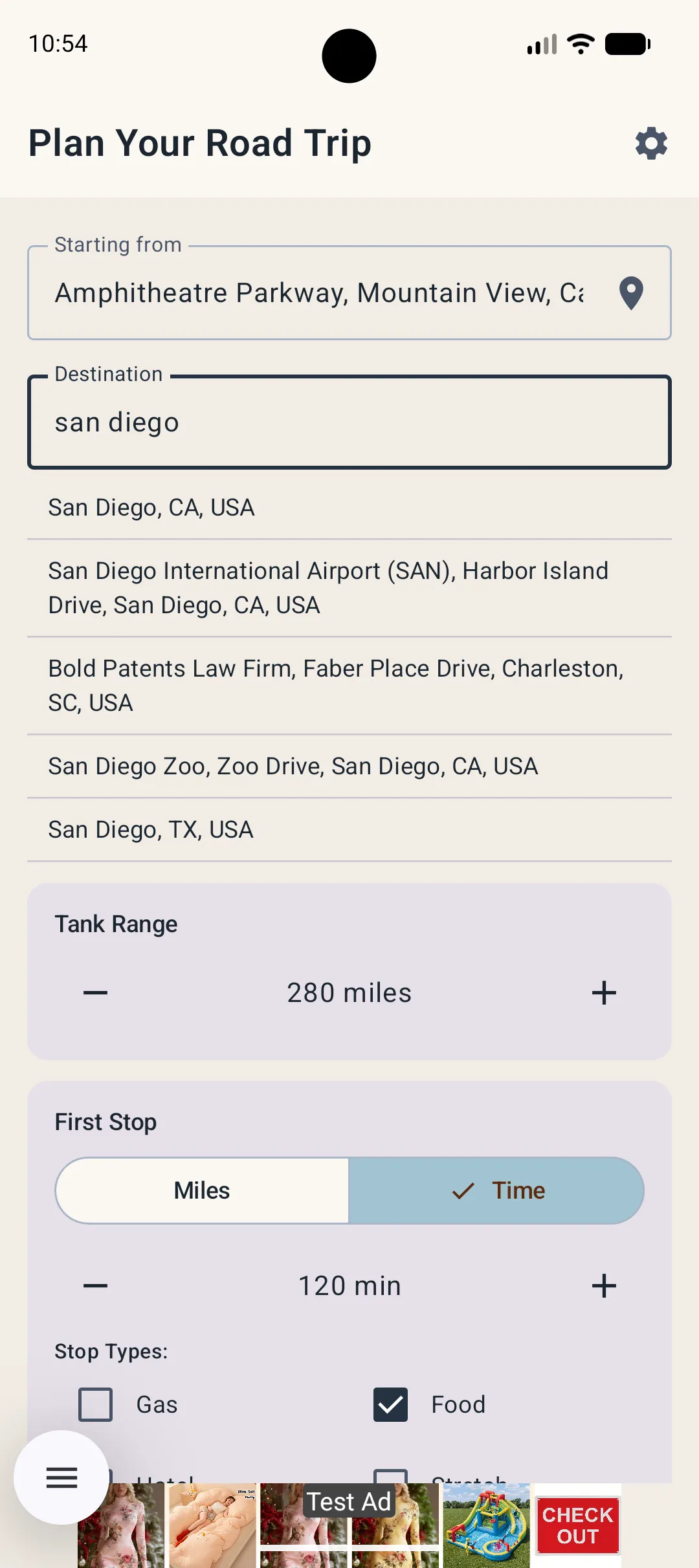
Destination, tank range, stop types.
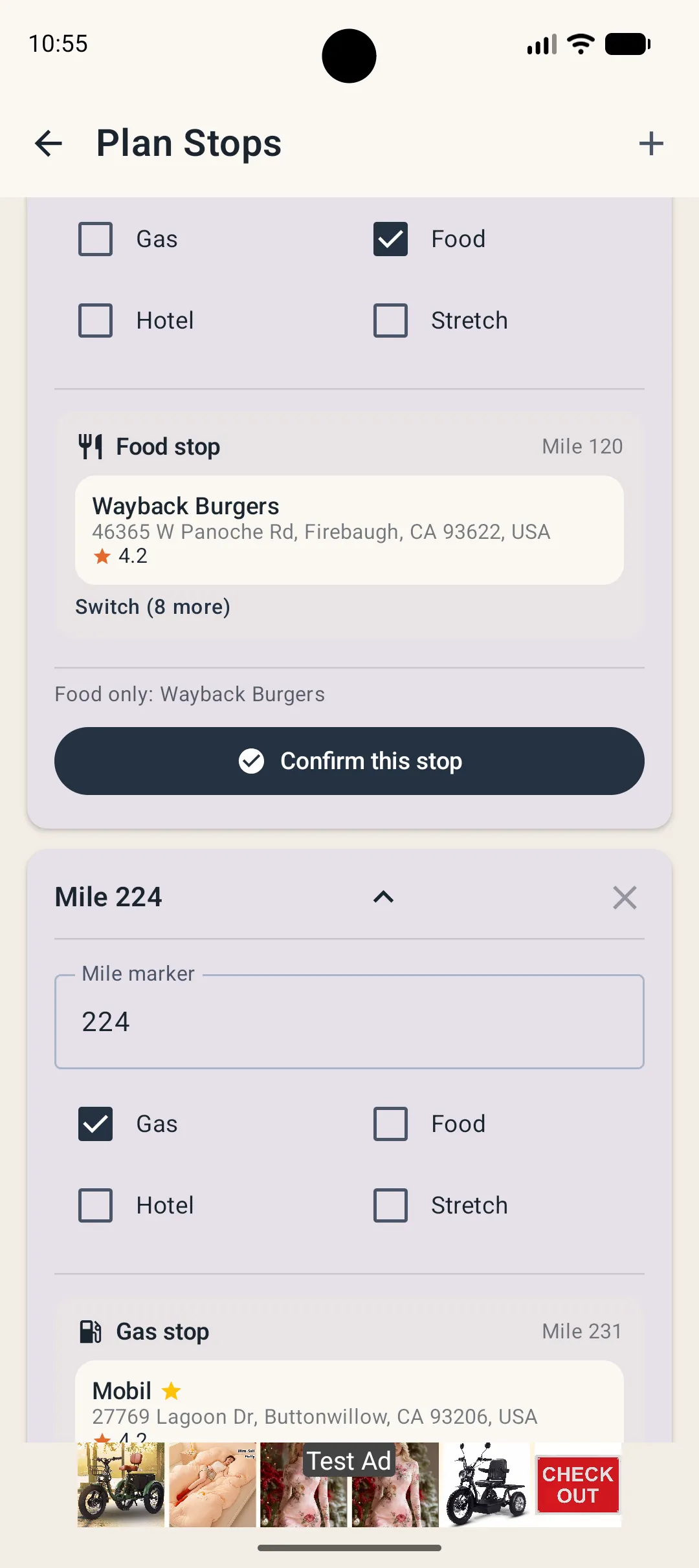
Enter where you are going, confirm your approximate fuel range and decide whether you want gas, food, hotel or stretch stops. Your preferences persist locally for later trips.
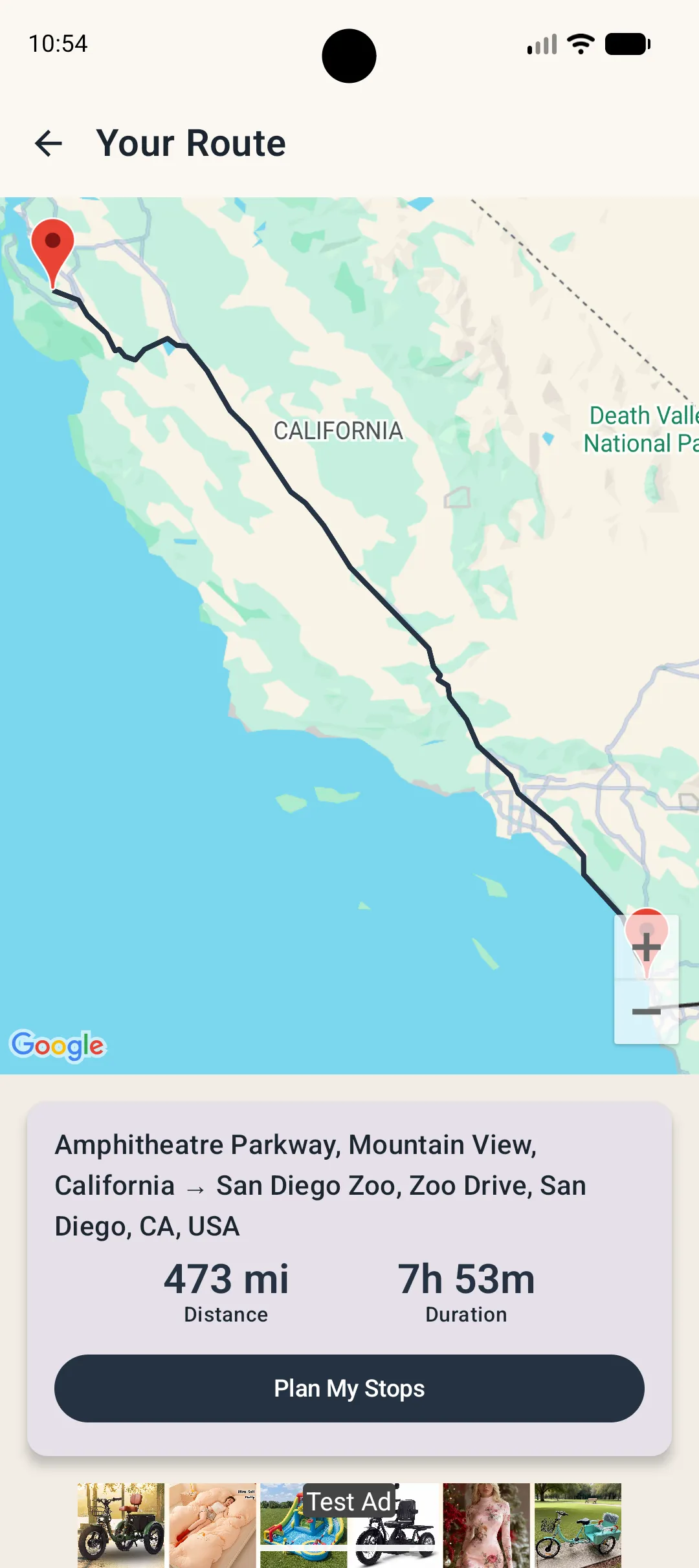
Know the shape of the trip first.
Review distance, estimated time and the overall route before you commit to individual stops.
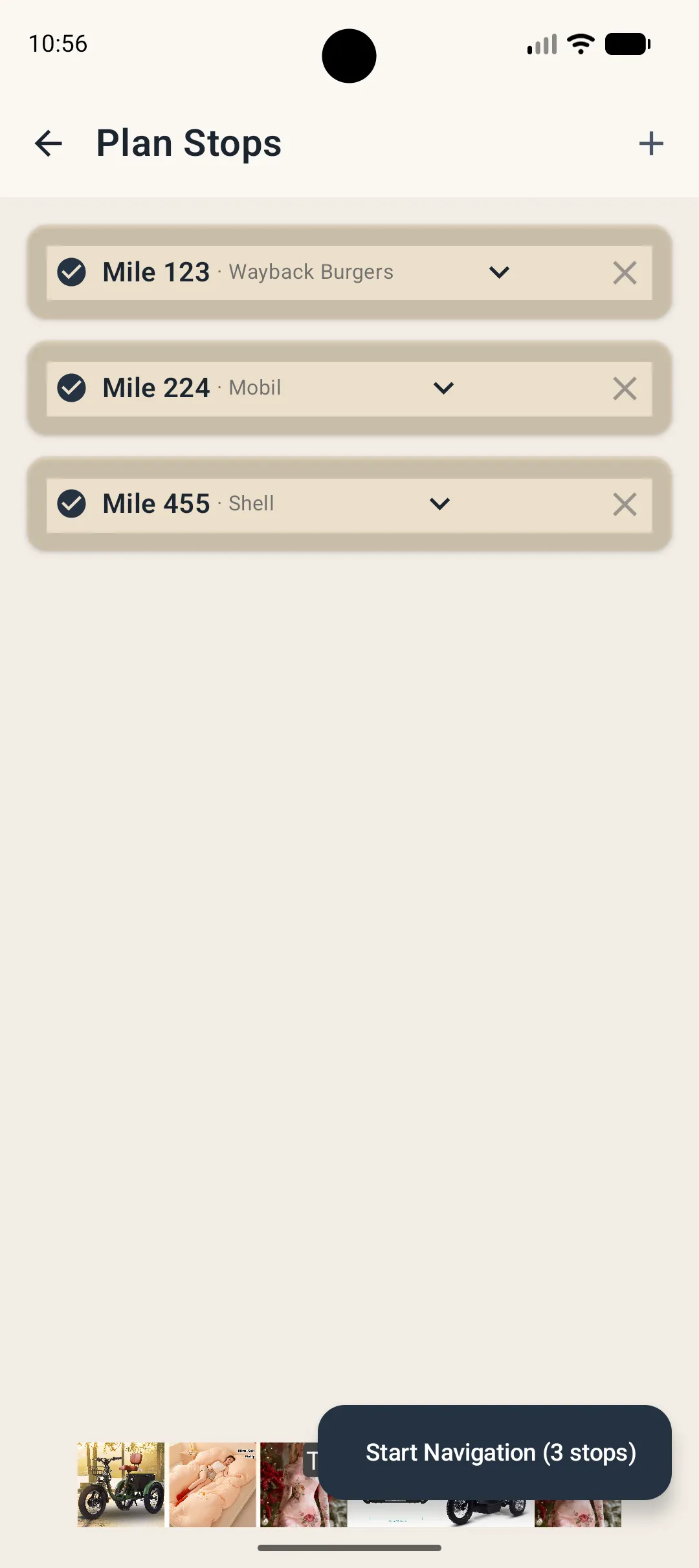
Choose what works near each target mile.
OnTheWay searches around each planned point and can rank preferred brands higher. If you pick an earlier fuel stop, current versions can check downstream coverage and add a later stop when needed.
Hand off the directions. Keep the plan.
Open the route in Google Maps, Apple Maps or Waze. Mark a stop done and resume navigation from the active trip without rebuilding the itinerary.